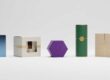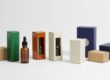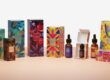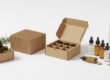

Digital Mockups for Tincture Box Design: Free Templates
Tincture box mockups have become an important part of modern packaging design. Mockups are much-needed pre-print samples of what the custom packaging will look like. By making digital mockups, every particular detail about the tincture box can be clearly checked. From color to the logo, font, and layout, everything can be amended to make the final design perfect.
It saves plenty of time and resources when mockups are used. Design mistakes can be prevented, and it clearly visualizes the final box. Free mockup design templates also make this process more affordable for small brands.
Understanding Digital Mockups
What is a digital mockup?
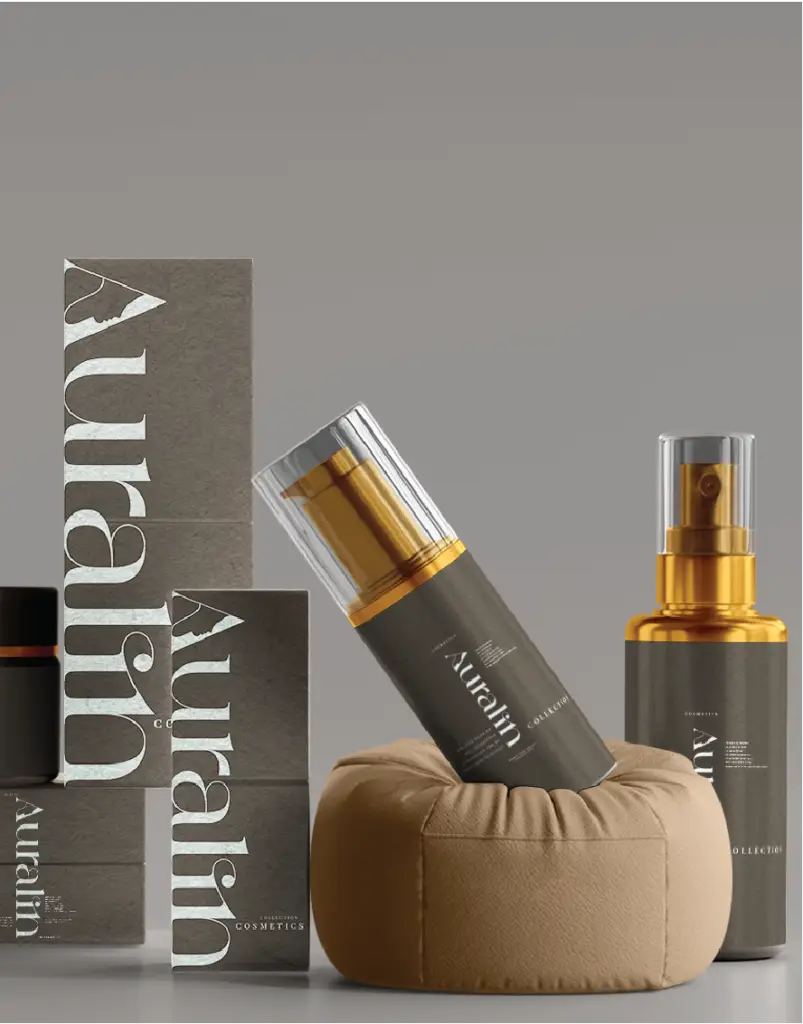
A mockup is a digitally rendered, photo-realistic image of the product or package as it would appear in the real world. A mockup design allows the previewing of box layout, color, and overall presentation, including any graphics, on a 3D model of the box.
Importance of Mockups in Tincture Packaging
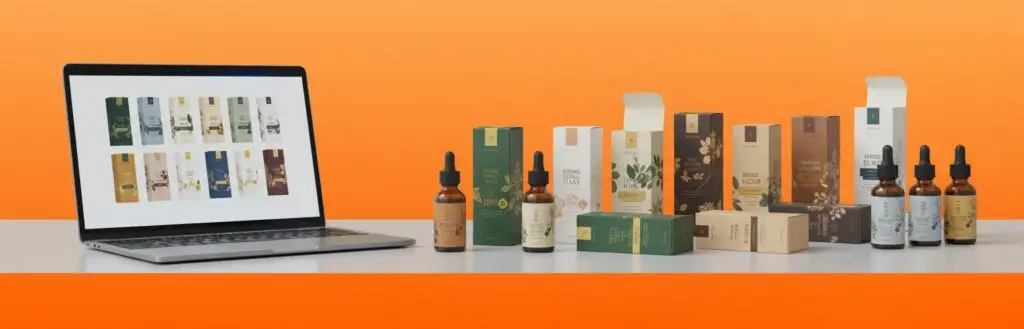
Mockups show how tincture bottles fit inside boxes. They help check label visibility, brand placement, and packaging size. A well-designed mockup can also provide the chance to compare design options against each other before actually printing.
Moreover, mockups further ease presenting designs to clients or retailers. Instead of flat drawings, a 3D view gives a professional look and a clear idea of the product presentation.
Benefits of Digital Mockups in Tincture Box Design
- Cost-Effective Design Testing
Physical samples take time and money to produce. Digital mockups enable fast testing of multiple designs without printing costs. You can make adjustments on a computer screen in an instant.
- Faster Decision Making
Mockups allow quick decisions about the design. Side-by-side comparisons of different versions of box colors, shapes, and styles are possible.
- Quality Presentation
Digital mockups create realistic images of tincture boxes that could be used in presentations, marketing materials, and online listings to impress clients and customers.
- Error Prevention
Mockups reduce design errors, spelling mistakes, misplaced logos, and poor color contrast, which can be detected at an early stage for correction.
- Easy Collaboration
Mockup files can be shared digitally among teams and clients. Everyone can then review, comment, and suggest editing before finally printing.
Features of a Good Tincture Box Mockup
- 3D View
A good mockup of the box will include a 3D perspective to imagine how it would look from every angle.
- Editable Layers
Editable PSD layers make customization easy: Each design element—be it a logo, text, or color—can be changed individually.
- High Resolution
High-resolution templates provide clear and detailed visuals. Each line and texture becomes more realistic.
- Smart Object Layers
Smart objects allow drag-and-drop design placement, wherein artwork can quickly be applied to the surface by a designer.
- Shadow and Lighting Options
Natural shadows and light make the box more realistic, giving an accurate view. These effects give life to the box.
Types of Digital Mockups for Tincture Boxes
- Flat-Lay Mockups
Flat-lay mockups will always show a top-down angle of the box design. They are perfect for showing details in artwork.
- 3D Render Mockups
3D mockups give you a realistic and professional appearance. These can be ideal for client presentations and marketing visuals.
- Die-Cut Mockups
Die-cut mockups are used to show outlines of boxes prior to folding. It serves to check cutting lines and dimensions.
- Bottle-in-Box Mockups
These templates demonstrate how a bottle of tincture would fit in packaging. They ensure proper sizing and protection.
- Open and Closed Box Mockups
These show both the outside design and inside space of the box. It helps in testing inserts, dividers, or protective layers.
How to Use Digital Mockups for Tincture Box Design
Step 1: Choose the Right Template
Start with a free or premium template that matches the box style, such as square, rectangular, or tuck-end box templates.
Step 2: Open in Editing Software
Most mockups come in PSD format. Open the file in Adobe Photoshop or a similar editing software.
Step 3: Add Branding Design
Place the logo, brand name, and artwork on the box template, using smart layers for quick placement.
Step 4: Color Adjustment & Shadows
Change box color, background, and lighting for authentic results. Ensure branding colors are on point, considering the product identity.
Step 5: Preview and Save
View the mockup from different angles. Save the final image for review or presentation.
Where to Find Free Tincture Box Mockup Templates
- Freepik
Freepik actually has a lot of free mockups in PSD format, which can be downloaded and edited easily.
- GraphicBurger
GraphicBurger provides realistic mockups for packaging design. Most of his files consist of adjustable shadows and light.
- Mockup World
Mockup World gathers free mockups from various designers. It includes box, bottle, and label mockups.
- Pixeden
Pixeden has high-quality mockups. Some of the templates are free and ideal for tincture box visuals.
- Behance and Dribbble
Many designers share free packaging mockups on these sites; searching “tincture box mockup” may show you several.
Tips for Creating Attractive Tincture Box Mockups
- Keep the Design Simple
Minimalist designs bring out quality. Avoid too much patterning or coloring.
- Use Realistic Backgrounds
Neutral or natural backgrounds give a mockup a professional look. Wooden or white textures would do just fine.
- Focus on the Visibility of Logos
Ensure the logo is very clear; it should be visible on the front and top sides of the box.
- Emphasize Key Product Information
Dosage, ingredients, and product type should be included in the box design. This builds trust and transparency.
- Consistency in Branding
Use brand colors, fonts, and icons throughout the mockups to build recognition.
How Mockups Help in Marketing and Sales
- Visual Presentation to Clients
A professional mockup can help clients visualize the final product. It increases the possibility of approval for new designs.
- Online Store Listings
High-quality mockup images improve online sales. Clear visuals attract more attention than just plain product photos.
- Social Media Promotion
Mockups can be used for sharing new packaging designs on social media. It enhances brand engagement.
- Portfolio Display
Tincture box mockups give designers the leeway to showcase creativity and style in portfolios.
Choosing Between Free and Premium Templates
Free templates are great for small brands or testing ideas. They’re pretty easy to download and edit. However, often with premium mockups, you get higher quality, more angles, and even better realism.
Premium options are more customizable for long-term branding projects, also enabling unique presentation styles. In the case of quick edits or early concept testing, free mockups can work just fine.
Common Mistakes to Avoid During Mockup Design
- Low-resolution images that blur during the editing process.
- Ignoring the text and graphics alignment.
- Forgetting to check the color accuracy for printing.
- Overloading the box design with information or elements that are not necessary.
- Not previewing the mockup in different lighting or angles.
It also helps in avoiding these mistakes, which in turn keeps the design of the tincture box clean and alluring.
Best File Formats for Digital Mockups
The most popular file format for mockups is PSD – Photoshop Document. It supports editable layers and smart objects.
Other formats include:
- AI (Adobe Illustrator) for vector-based designs
- PDF for easy sharing
- PNG or JPEG for quick previews or online uploads
With complete control over customization, a PSD mockup remains the best choice.
Role of Mockups in Brand Identity
Mockups define the look and feel of a brand. Each color, line, and font speaks to the brand personality. When used well, mockups reinforce product and market identity.
With tincture brands, elegant and clean box mockups create a sense of trust and professionalism.
Future of Digital Mockups in Packaging Design
Modern technology is continuously improving the way mockups are created. Advanced tools enable 3D motion previews, realistic materials, and even augmented reality views.
Future mockups may allow consumers to virtually open boxes or rotate them on-screen. This development will make packaging design even more interactive and precise.
Conclusion
Digital mockups are a robust tool for designing tincture boxes. It saves time, money, and effort while guaranteeing realistic visuals. Because of mockups, every design could be tested in advance before printing, ensuring quality and brand coherence. Free templates make professional packaging design accessible to everyone. From startups to established brands, mockups help create attractive, accurate, and appealing tincture packaging that stands out.
Frequently Asked Questions (FAQs)
- Which software works best for tincture box mockups?
For most mockups, especially for PSD templates, Adobe Photoshop works best.
- Are free mock-ups good for commercial use?
Many free mockups allow commercial use, but it’s always a good idea to check the license terms before using them.
- Can mock-ups replace physical samples?
Mockups, however, cannot fully replace samples but come quite close to the preview of the final product.
- How to make mockups more realistic?
Adding shadows, lighting effects, and textures creates a more lifelike look.
- Where to find the best free tincture box mockups?
Freepik, GraphicBurger, and Mockup World offer the best free templates for tincture packaging.